
Camera-based professional monitoring

A smarter signal.
A clearer path to help.

Professional monitoring begins with what the camera can see—not a separate alarm hub. InstaVision connects supported IP cameras to AI analysis, human review, and a potential dispatch request when the event and local procedures support escalation.
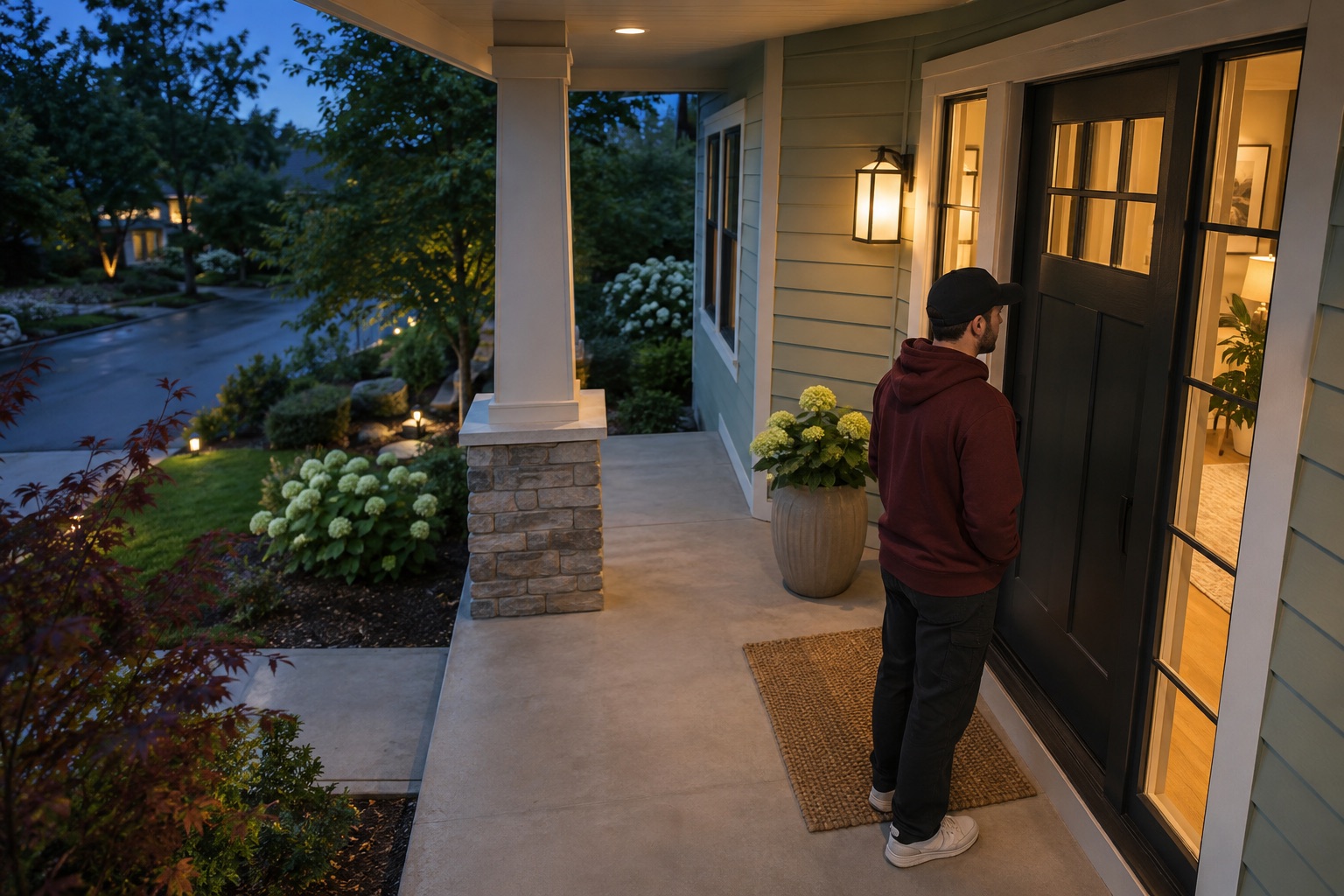
Availability depends on supported camera configuration, power, network connection, monitoring service, and local response rules. A dispatch request or emergency response cannot be guaranteed.
InstaVision in motion

See how the camera-to-dispatch path works.

A closer look at camera intelligence, professional review, and the path to an emergency dispatch request.

The video starts muted. Use the player controls to pause or adjust playback.

A different system path

See the difference: a house full of sensors, or one camera that starts the response.

For decades, a typical monitored alarm gathered signals from separate contacts and motion detectors, routed them through a central panel, then sent an alarm code to a monitoring center. InstaVision's supported camera path starts with what the camera sees.
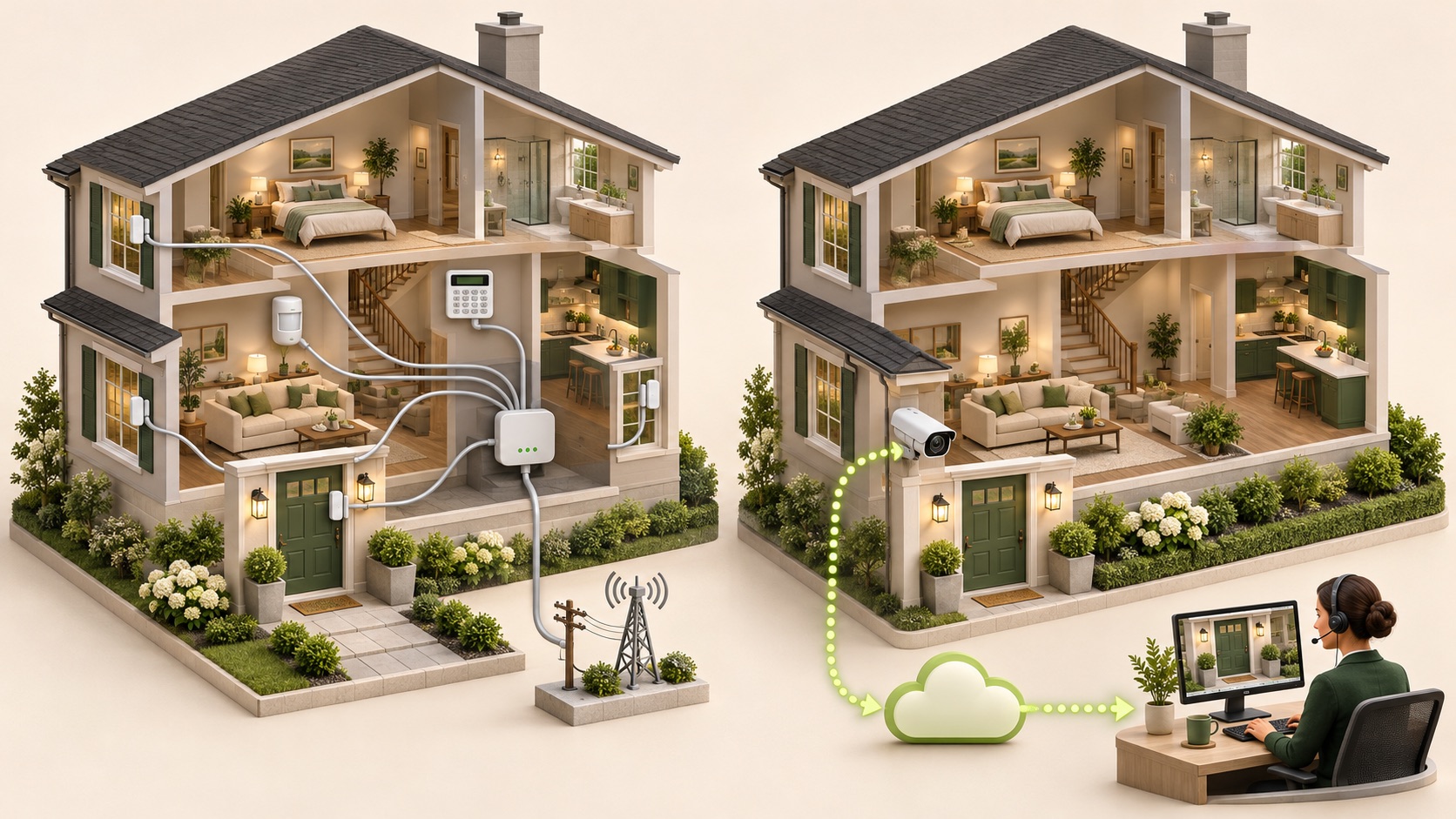
High-detail cutaway model houses comparing a traditional sensor-and-hub alarm with a camera-to-cloud monitoring path
Illustrative system comparison. Device layouts and signal paths vary by product and installation.
TRADITIONAL PANEL-BASED PATH

Many devices. One central panel.

Door and window contacts + motion sensors → alarm hub / panel → phone, cellular, or IP communicator → monitoring center

INSTAVISION CAMERA EVENT PATH

The camera is the starting point.

Supported IP camera → edge + cloud AI → human review → local dispatch contact when criteria are met

“Gateway-free” means no separate alarm hub or control panel sits in this supported camera-event path. The camera still needs power and a working network or supported cellular connection; service availability depends on device, carrier, signal, plan, and local response rules.
AI that adds context

A motion alert is only the beginning.

Edge AI identifies likely activity on the camera. Cloud AI can add more context. A trained monitoring professional reviews the event before any escalation under the service procedure.
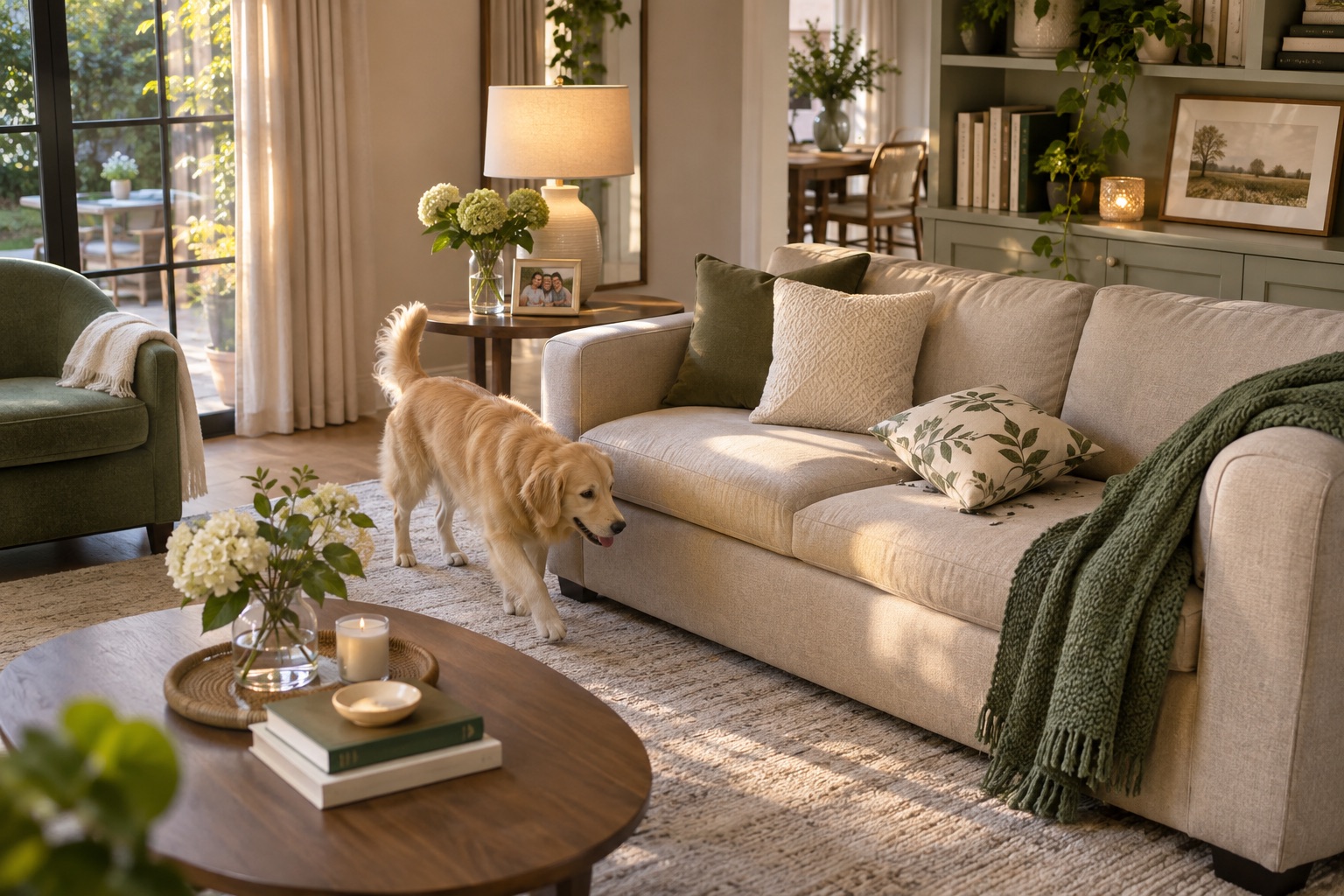
New illustrative camera view of a dog moving through a living roomILLUSTRATIVE CAMERA EVENT
One movement. Several possible explanations.
01
Camera + edge AI

Notice motion and identify a likely person, animal, or vehicle.

EVENT FOUND
02
Cloud AI context

Review the available scene and add useful event detail.

CONTEXT ADDED
03
Professional review

A human operator checks the available video and account instructions.

HUMAN CHECK
EXAMPLE EVENT SUMMARY“A dog is moving through the living room.”Context helps distinguish ordinary activity from a potential emergency.

InstaVision reports a recognition failure rate below 1% for person, animal, and vehicle detection. Any public performance figure should state its benchmark, test conditions, and denominator. Full face detection and unknown-face identification are in development.

From visual event to response

AI flags it. A person reviews it. Dispatch gets context.

The goal is to give monitoring professionals more than a sensor trip code—so they can follow the configured response procedure with useful visual context.

01 · CAMERA EVENT

The camera detects activity

A supported camera sends an event from a configured view or motion zone.

Front entry · 10:42 PM
02 · AI CONTEXT

AI classifies the event

Edge and cloud analysis can label visible activity as a person, animal, or vehicle.

Person detected · review required
03 · HUMAN REVIEW

A monitoring professional reviews

The operator checks available video and follows account instructions and monitoring-center procedures.

Operator review in progress
04 · DISPATCH CONTACT

Dispatch receives a description

If the event meets escalation rules, the operator may contact local dispatch and relay what was observed.

Escalation based on evidence and local procedure
MONITORING CENTER · EVENT REVIEWILLUSTRATIVE SCREEN · NOT A LIVE DISPATCH RECORD
Illustrative camera still from a front-entry event
FRONT ENTRY · CAMERA 0110:42:18 PM
PERSON
VIDEO VERIFIED10:42 PM

Possible attempted entry

Residence · Front entry camera

DISPATCH NOTE · SAMPLE

“A person in a dark red hoodie and black cap is at the front door and appears to be trying the handle. Seen at the front entry at 10:42 PM.”

AI context PersonHuman review CompleteNext step Local protocol

The monitoring professional relays observed details when escalation criteria are met. Local dispatch determines how to respond.

Why verification matters

Everyday moments can look like an alarm.

A pet, a moving curtain, or a rushed exit can create unwanted alarms. Visual context and human review can help an operator decide whether an event meets the applicable escalation procedure.

97%LAPD reports 97% of the privately installed burglar-alarm calls it responds to are false alarms. This is a Los Angeles figure, not a national rate.
AI + HumanAI adds visual context; a professional reviews available video before escalating under service procedures.
Useful detailIf escalation criteria are met, dispatch can receive a concise description of what the operator observed.

Source: LAPD Alarm Section: History and Problems. The statistic applies to burglar-alarm calls LAPD responds to.

A changing communications path

From a door contact to a camera that can explain what happened.

Security systems have changed how they sense an event and how they send it. The broad progression moves from wired circuits and central stations to telephone dialers, radio and cellular communicators, and now connected cameras with visual context.
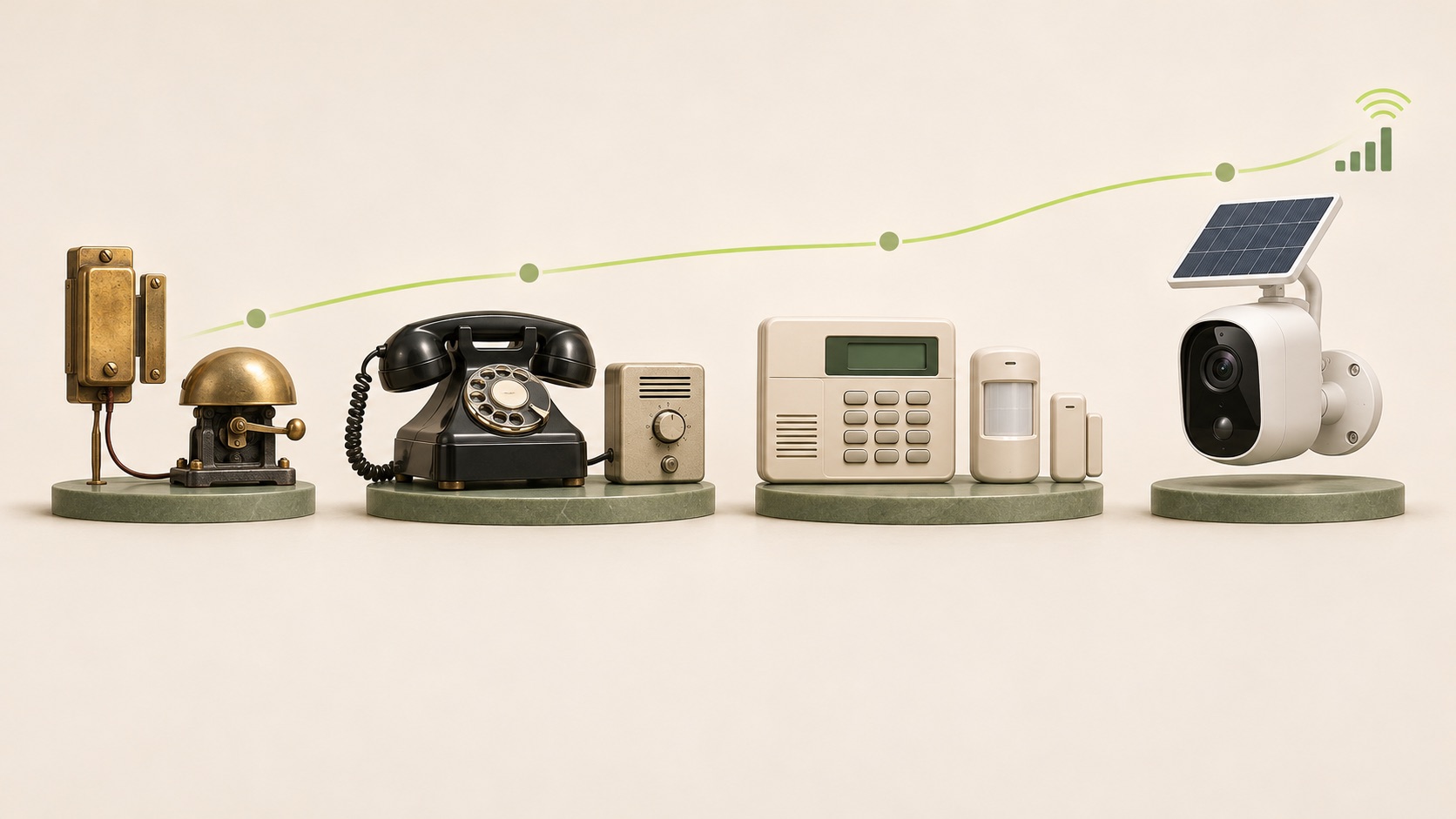
Editorial still-life timeline of early electric alarm contacts, telephone dialer, alarm keypad and sensors, and modern cellular camera
Illustrative technology eras; not a year-by-year adoption chart.
01Electric circuitsContacts and bells signal a change.
02Telephone dialersPanels send alarm codes over phone lines.
03Wireless + cellularRadio sensors and alternate communicators extend the path.
04Camera intelligenceVisual events add context for review.
Monthly service-price comparison

Professional monitoring at a lower monthly service price.

InstaVision Premium is $149.99 billed annually—about $12.49 per month. Here is how that listed service price compares with publicly listed monitoring prices from ADT and Vivint.

InstaVision Premium5 cameras · pro-monitored intruder alarm
$12.49 / mo*
$12.49annual billing
ADT Completevideo verification plan
$39.99 / mo
$39.99monthly starting priceInstaVision 68.8% lower*
Vivint HomeProtect Promonitoring base, before camera fees
$44.99 / mo
$44.99starting priceInstaVision 72.2% lower*
Vivint Pro + 5 camera fees$44.99 + $5 per camera
$69.99 / mo
$69.995 cameras, monthly*InstaVision 82.1% lower*
Bars compare listed recurring monthly service prices only. InstaVision's $12.49 is the monthly equivalent of $149.99 billed yearly (rounded). Percentage differences are calculated against the competitor rate shown. Rates and plan contents can change; offers, equipment, installation, taxes, carrier/data charges, storage, contract terms, and camera fees may differ. This is not a complete total-cost or identical-feature comparison. InstaVision's monitoring service can request dispatch after human review, subject to service rules and local procedures; no provider can guarantee a police response.

ADT Complete Monitoring

From $39.99 / month

ADT lists video verification, 24/7 live camera view, and Intelligent Alert. The official plan page also lists a $369 minimum equipment spend.

Vivint HomeProtect Pro

From $44.99 / month

Vivint lists $5 per month for each camera on HomeProtect Pro, and terms require a minimum $749.99 equipment spend plus a Vivint services agreement.

Sources checked Nov. 10, 2026: ADT monitoring plans; Vivint monitoring plans. InstaVision plan details and price are from the screenshot supplied for this page proposal. Comparison is for reference; confirm terms before publication.
LIVING ROOMKITCHENENTRYGARAGE123455 example camera views
Flexible camera coverage

One view—or up to five.

Configure one camera motion zone or up to five, depending on compatible hardware and the service setup. Give each view a job: entryway, driveway, side gate, patio, or outbuilding.

  • Choose the views that matter for the property.
  • Use AI event context to support operator review.
  • Plan camera placement around lighting, field of view, power, and connectivity.

Illustration only. Coverage depends on device placement, configuration, connection, and service eligibility.

Beyond the wired home

Bring camera monitoring to places a traditional install may not reach.

A supported 4G camera can make monitoring possible at a cabin, workshop, or rural property without fixed broadband. It still depends on usable carrier signal, device power, and service eligibility at the location.
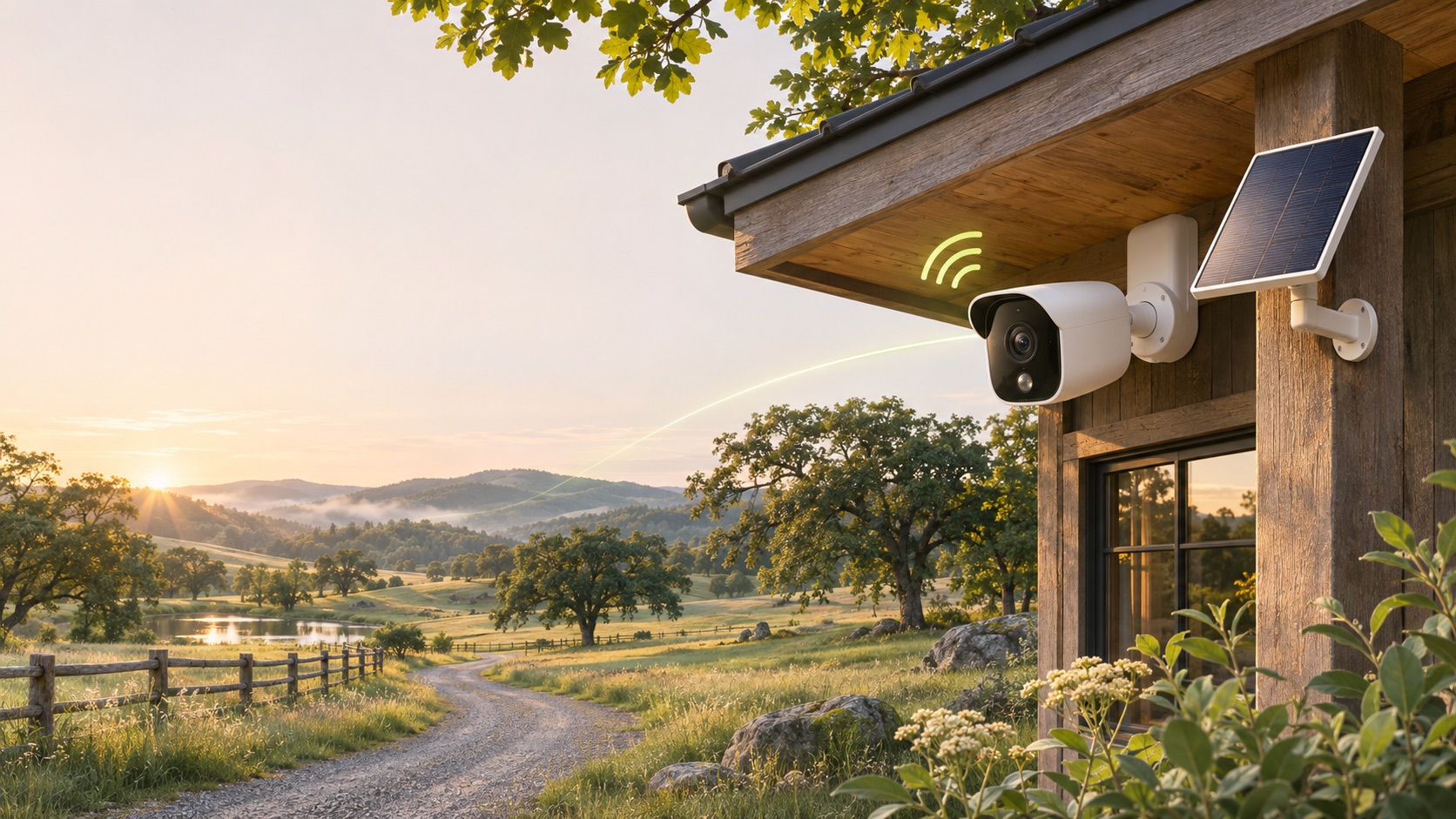
Fresh illustration of a 4G security camera and solar panel at a rural property
4G CELLULARSOLAR-POWERED CONFIGURATIONNO SEPARATE ALARM HUB
Concept illustration. Cellular and solar capabilities depend on the selected camera and installation.
Camera-first architecture

No separate alarm panel or gateway in the supported camera event path.

Edge + cloud intelligence

Camera-side processing and cloud analysis add context to event review.

Human-reviewed escalation

Professional monitoring can relay observed details when the response procedure calls for it.

Experience behind the service

Technology matters. So does the monitoring network behind it.

InstaVision reports 25 years in the U.S. alarm industry and historical work alongside Protection 1, ADT, Alder, Vivint, Cami, Alarm.com, and COPS Monitoring Center. Those are past industry relationships, not claims of current endorsement or participation in this service.
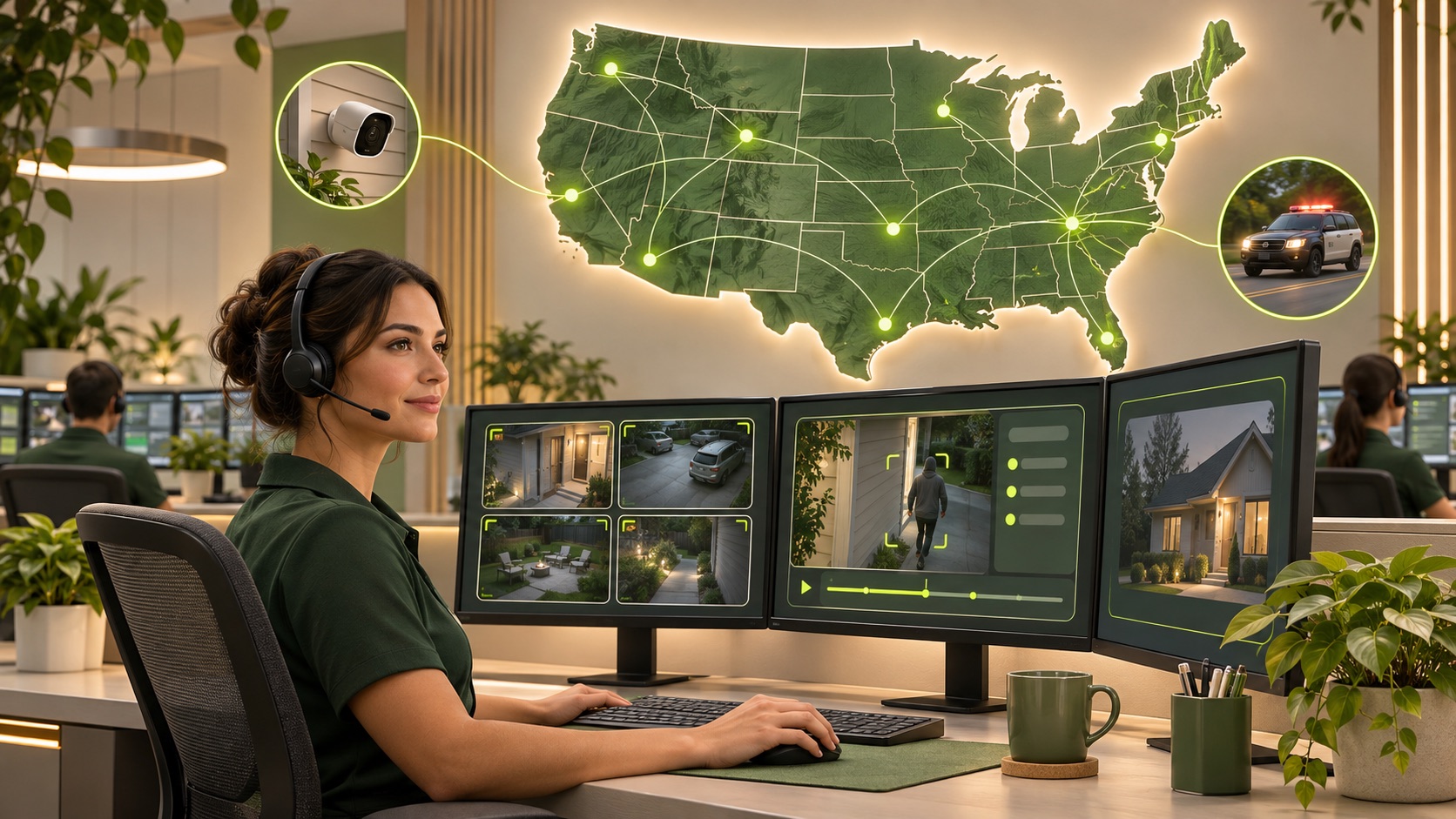
Illustration of a monitoring professional reviewing camera events across a U.S. service network
Illustrative monitoring-center scene; not a photo of a specific partner or facility.
25 years in the U.S. alarm industry

Experience built through work across established alarm and monitoring relationships.

Professional monitoring partners

Monitoring and escalation depend on account setup, response procedures, and local dispatch rules.

SOC 2 Type II

InstaVision confirms SOC 2 Type II. SOC 2 is an attestation report; describe its scope accurately.

See if camera-based monitoring fits your property.

Ask us about camera compatibility, network coverage, and monitoring availability.

Contact InstaVision ↗